


1
Idea
It usually starts with a thought, a wish or a new feature for my website.
AI Support / Website
How I use AI to plan my own website from the ground up, write content and implement the design in practice.
On this page, I show how I use AI while building my website — from the first idea to the finished page. This is not only about theory, but about my real workflow involving planning, content, design, programming and continuous improvement.
My topics
These three areas show my workflow — from planning and content creation to practical implementation in code.
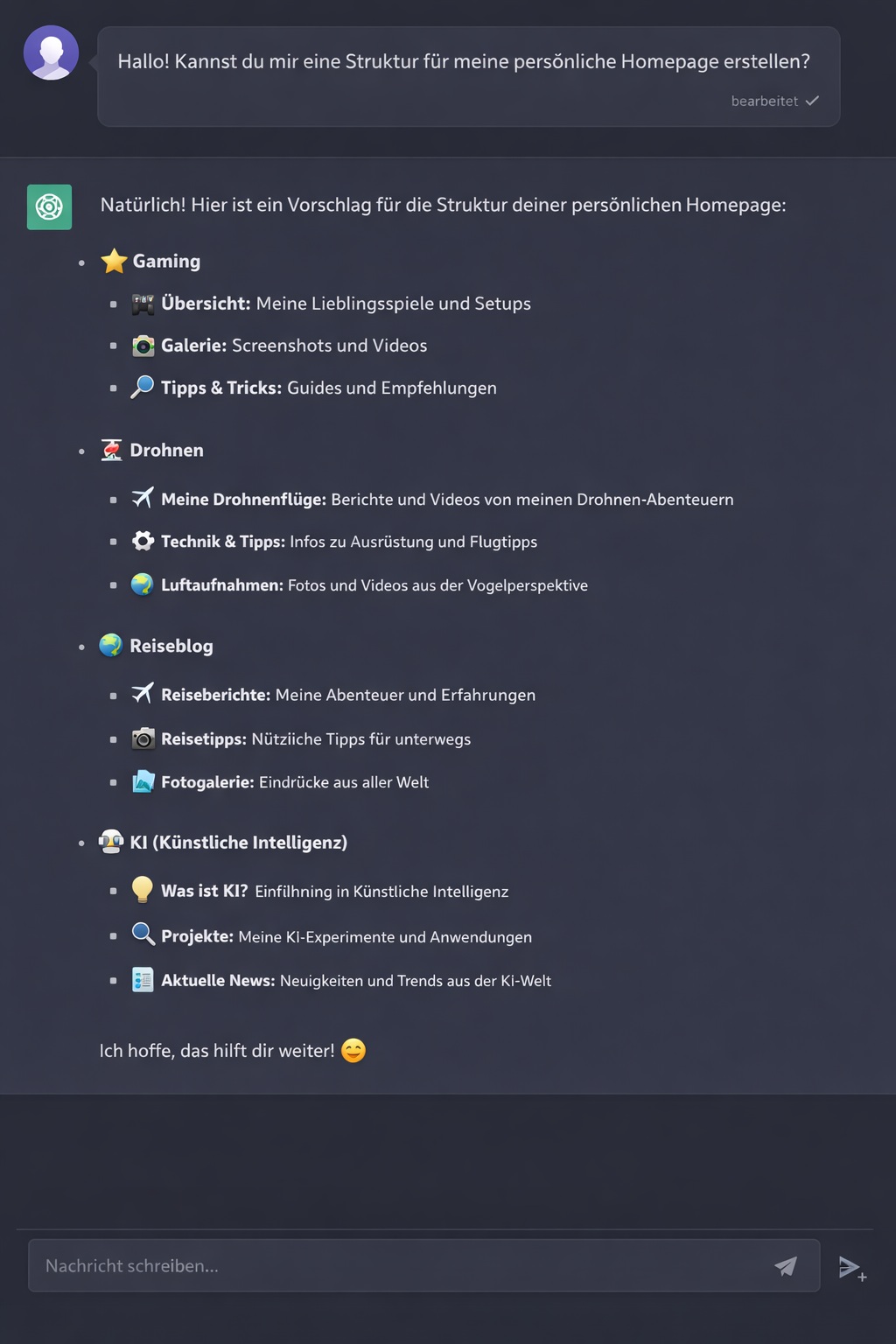
How I use AI to organise ideas, build pages logically and create clear navigation for my website.
View page →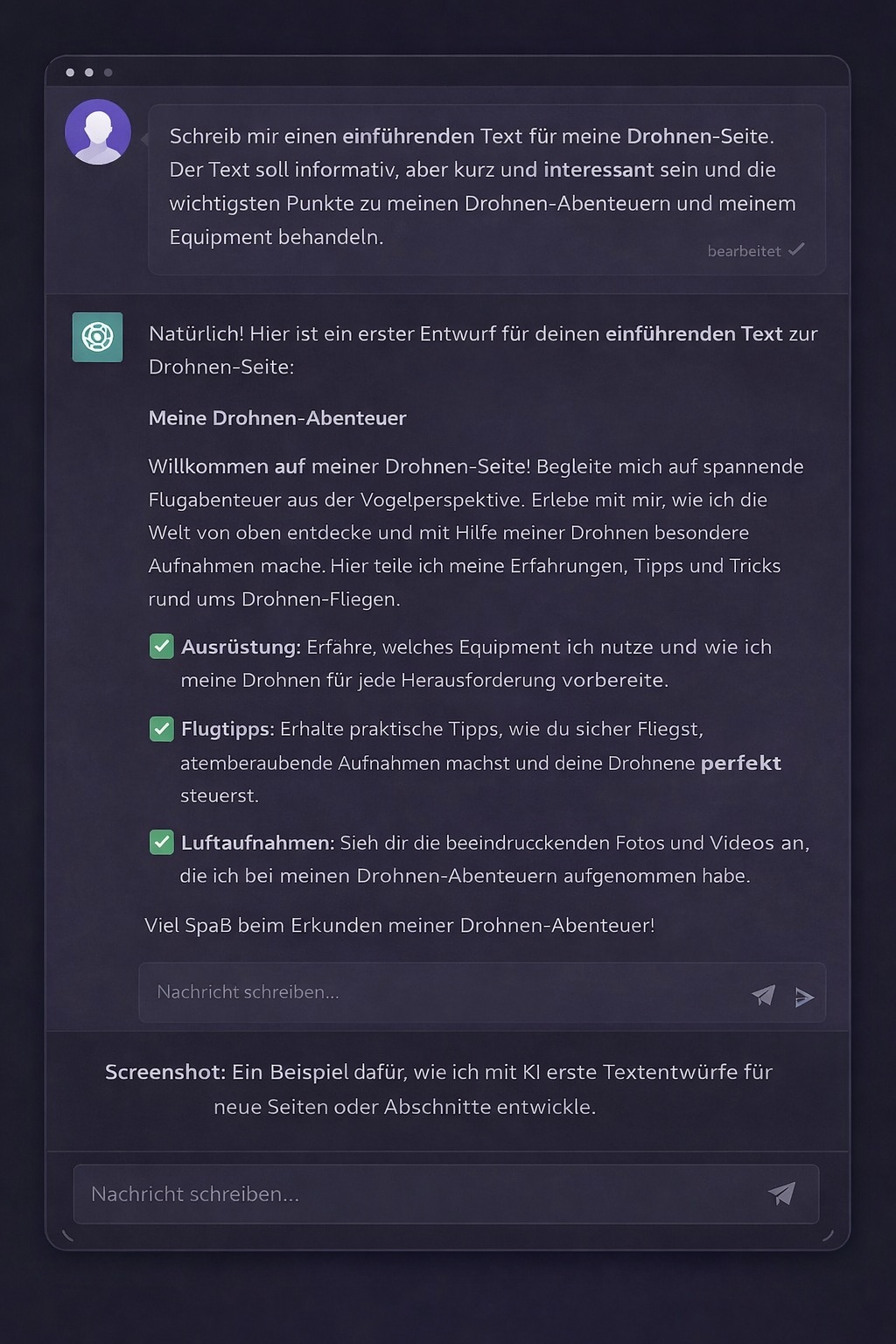
From a rough idea to finished content: how I use AI to create, improve and adapt text to my own style.
View page →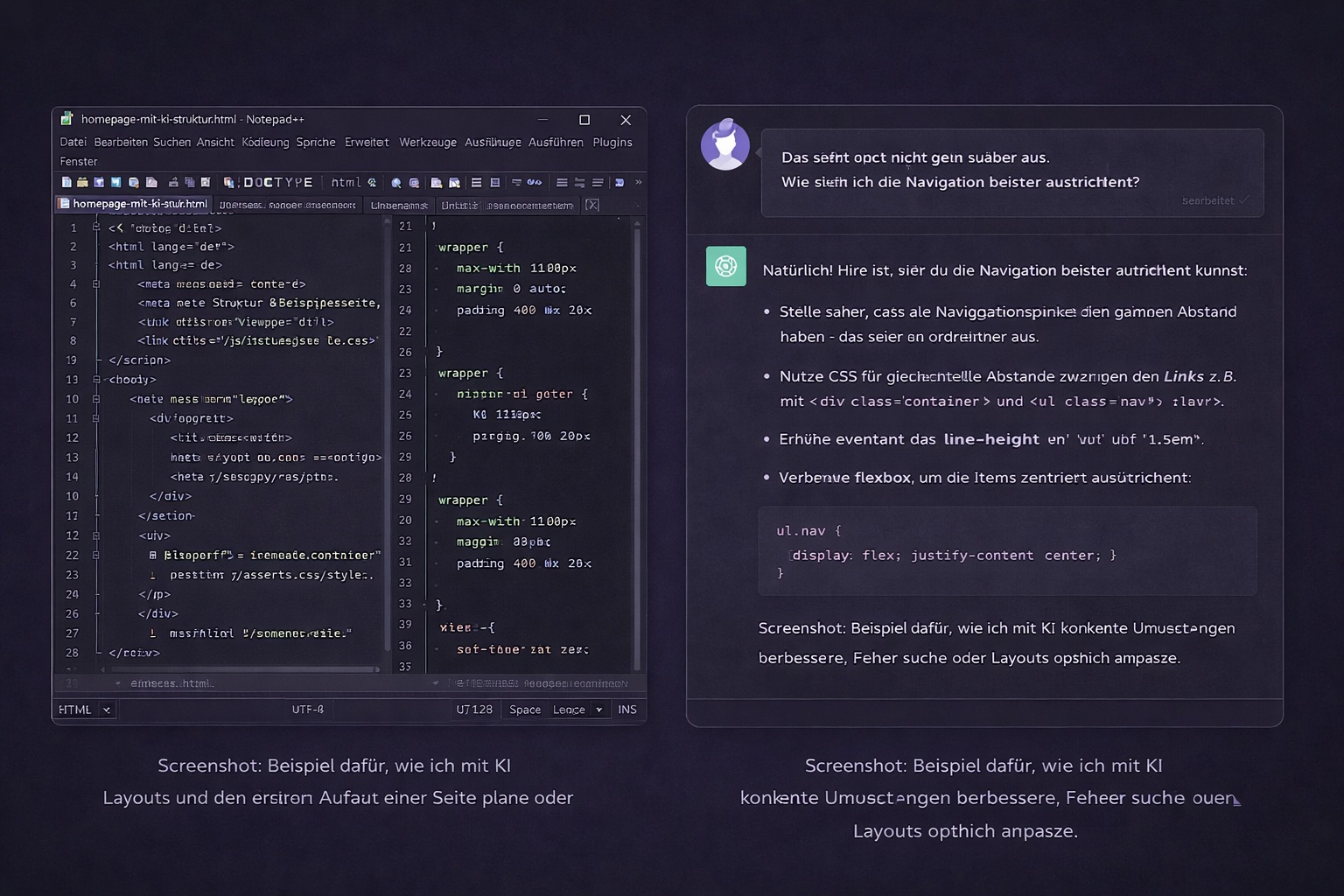
How AI helps me with layouts, PHP, HTML, CSS, debugging and the practical implementation of my website.
View page →My workflow
For me, AI is not a replacement, but a tool that helps me reach good solutions faster and more efficiently.
It usually starts with a thought, a wish or a new feature for my website.
I discuss structure, text, navigation, database logic or design ideas with AI and develop initial solutions.
I review the suggestions, adapt them to my website and decide what genuinely fits my project.
The code is then added, tested on the server and improved together where necessary.
My approach
AI provides ideas, suggestions, wording and technical solutions. The direction, decisions and final result still come from me. This combination makes the difference for me: speed through AI and quality through my own control.
I previously worked mainly with a website builder and had little experience with code or complex site structures. Today, I can build my website much more deliberately with PHP, CSS, JavaScript and databases because AI helps translate my ideas into working solutions step by step.
Real-world use
Many areas of my website were created with the support of AI: the new navigation, bilingual pages, travel projects, galleries, newsletters, media management, maps, upload functions and my personal control centre. Nothing is simply accepted automatically — every function is discussed, implemented, tested and improved.