


1. Idea
I describe what I want to create or improve.
AI Support / Website
I plan my website together with AI — from the first idea and navigation to folder structure and technical implementation.
Before building this website, I mainly worked with a traditional website builder and had little experience with code or the technical structure of a website. By working with AI, I was able to learn many things step by step.
When I work on my website, I rarely start directly with code. It usually begins with an idea, a new feature or a rough goal. AI helps me organise these thoughts and turn them into sensible pages, sections and workflows.
At the beginning, it is often unclear what a new page should contain. Sometimes it is a new category, a technical feature or simply a question of how content should be presented clearly.
I describe my idea to AI, compare different possibilities and quickly receive a first structure that I can continue working with.
This quickly turns a rough idea into a useful draft. It saves time and prevents me from getting lost in details too early.
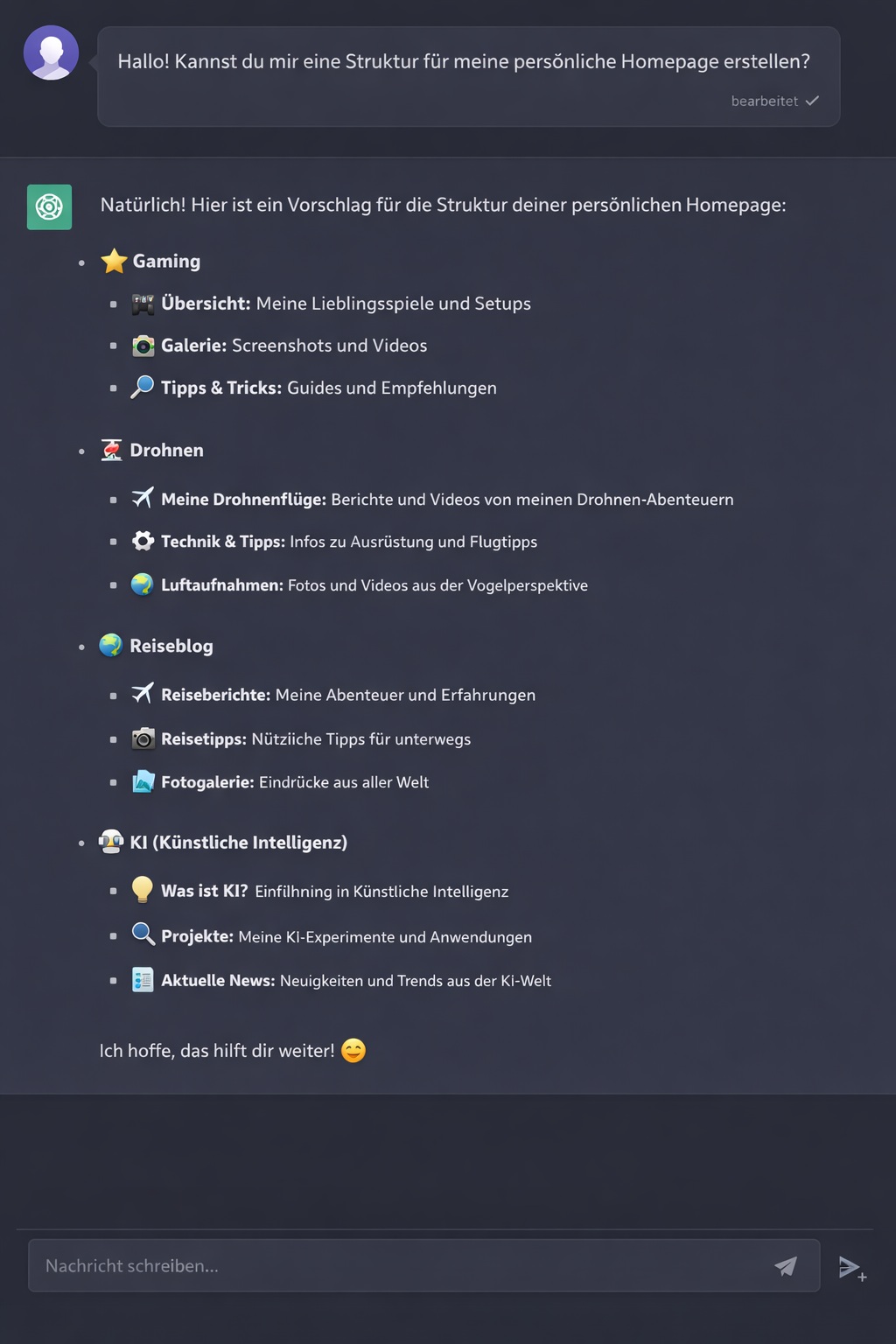
Planning a new page structure with AI.
My process is simple: idea → AI → structure → implementation → testing. AI acts as a sparring partner that organises my thoughts and converts them into practical steps.
I describe what I want to create or improve.
Together with AI, I develop pages, sections and a sensible order.
The structure is translated into PHP, HTML, CSS, JavaScript or database functions.
I test everything on the server, report errors and improve the solution step by step.
Once the basic structure is ready, I plan the navigation. The aim is to help visitors reach the most important content quickly and intuitively.
I describe my sections and goals to AI. This produces suggestions for main navigation items, submenus and useful groupings.
It is especially important that the navigation remains clear and does not require too many clicks. AI helps me find a good balance between simplicity and content.
As with the current redesign, I then test every suggestion in practice and adapt it to my actual content.
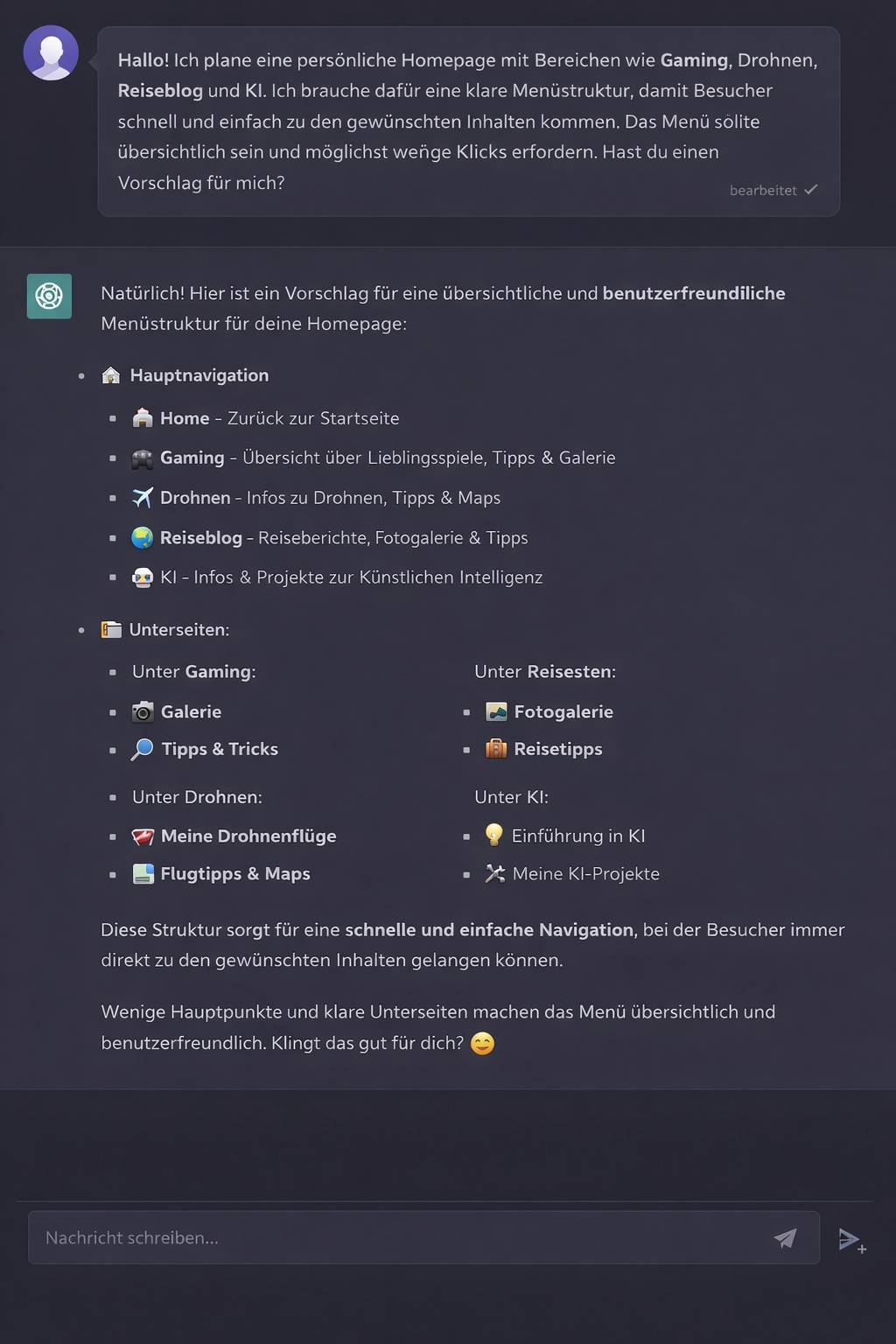
Planning and simplifying the navigation with AI.
Once pages and navigation are defined, I need a clear structure on the server. This helps me keep track of files, images, scripts and subpages.
I separate areas such as assets, pages, includes, uploads and administration functions. This keeps the website modular and easier to expand.
AI helps with suggestions for filenames, folders, reusable includes and useful paths. I then adapt this structure to my existing server.
It is also important not to rename everything constantly. Existing folders remain wherever possible, reducing the number of links and functions that must be changed.
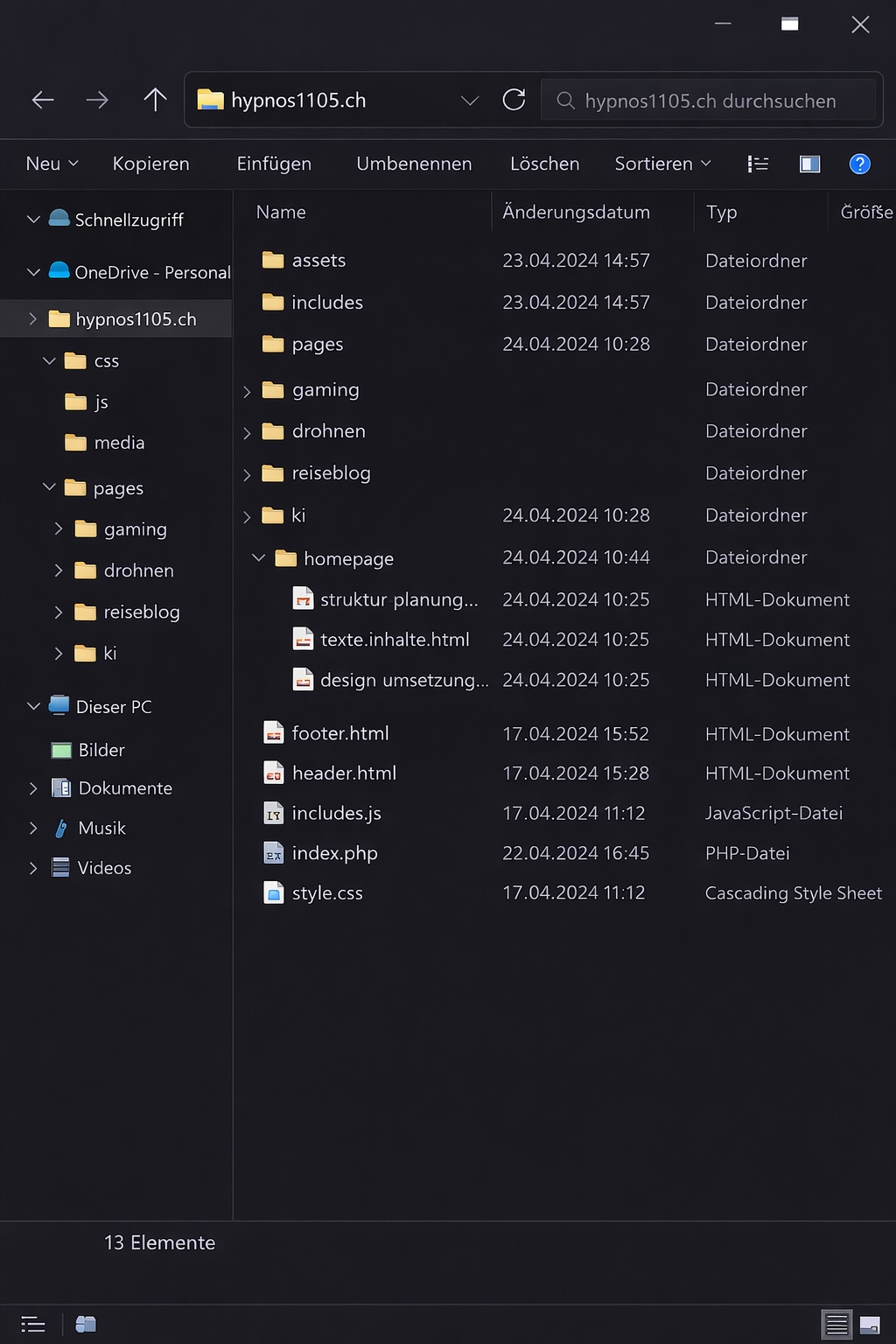
A clear folder structure makes maintenance and expansion easier.
Only after the structure and planning are ready do I begin the actual implementation. I work with PHP, HTML, CSS, JavaScript and databases.
AI provides directly usable code suggestions, explains errors and helps me modify existing files.
Our copy-and-paste workflow is particularly useful: I provide an existing file, have it fully adapted and can then replace it directly on the server.
This allows me to implement more complex functions without already understanding every technical detail. At the same time, I learn from every step.
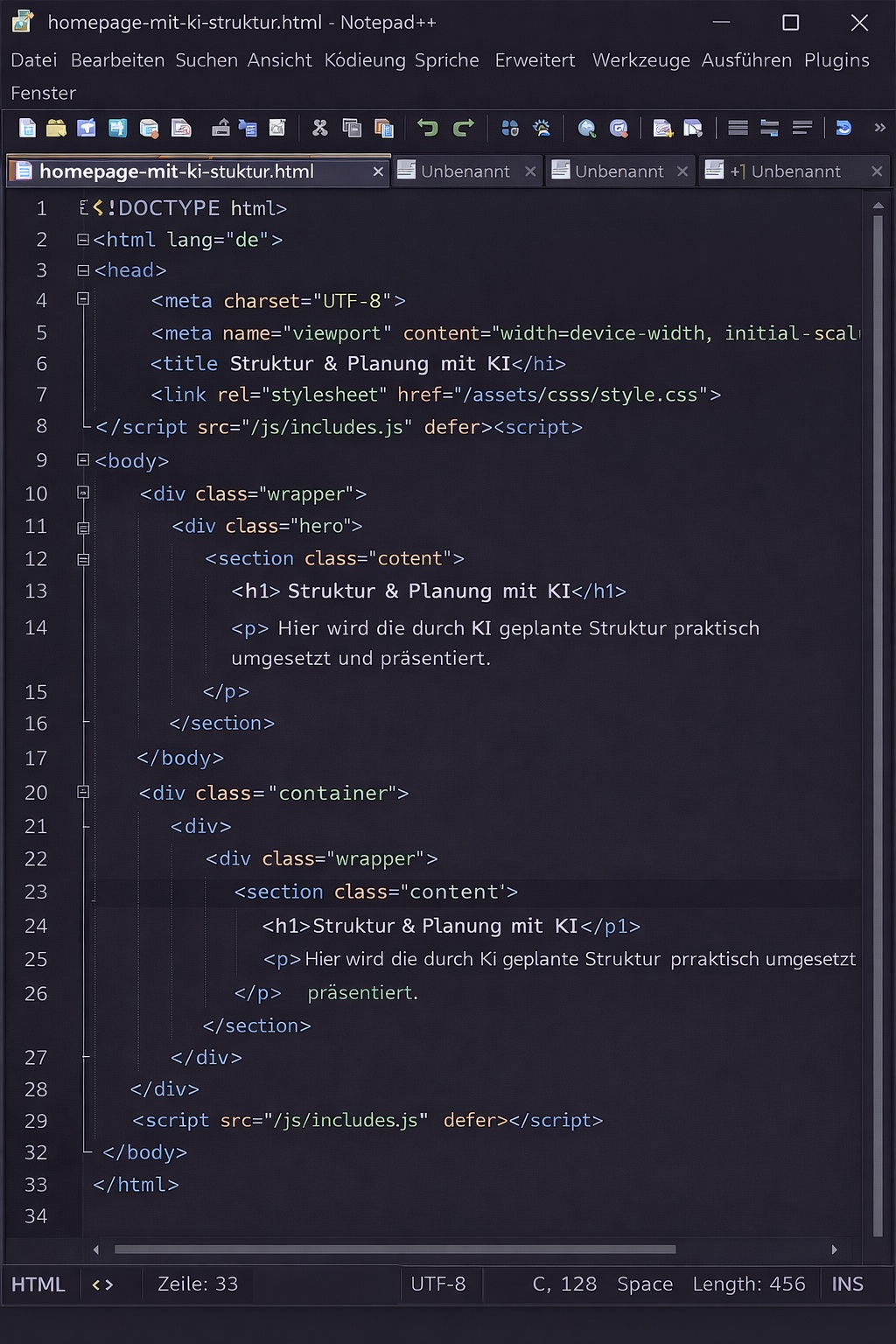
Editing and implementing the code in my editor.
AI has become a permanent part of how I build my website. I previously worked almost exclusively with a website builder and had little insight into the technical structure of a site.
By working with AI, I have been able to learn many things myself — from the first idea and navigation to implementation in code.
Planning saves me a great deal of time. Instead of testing many possibilities alone, I can compare ideas directly and test them in practice.
AI does not replace my decisions. It helps me reach results faster. In the end, it remains my website, my structure and my project.